
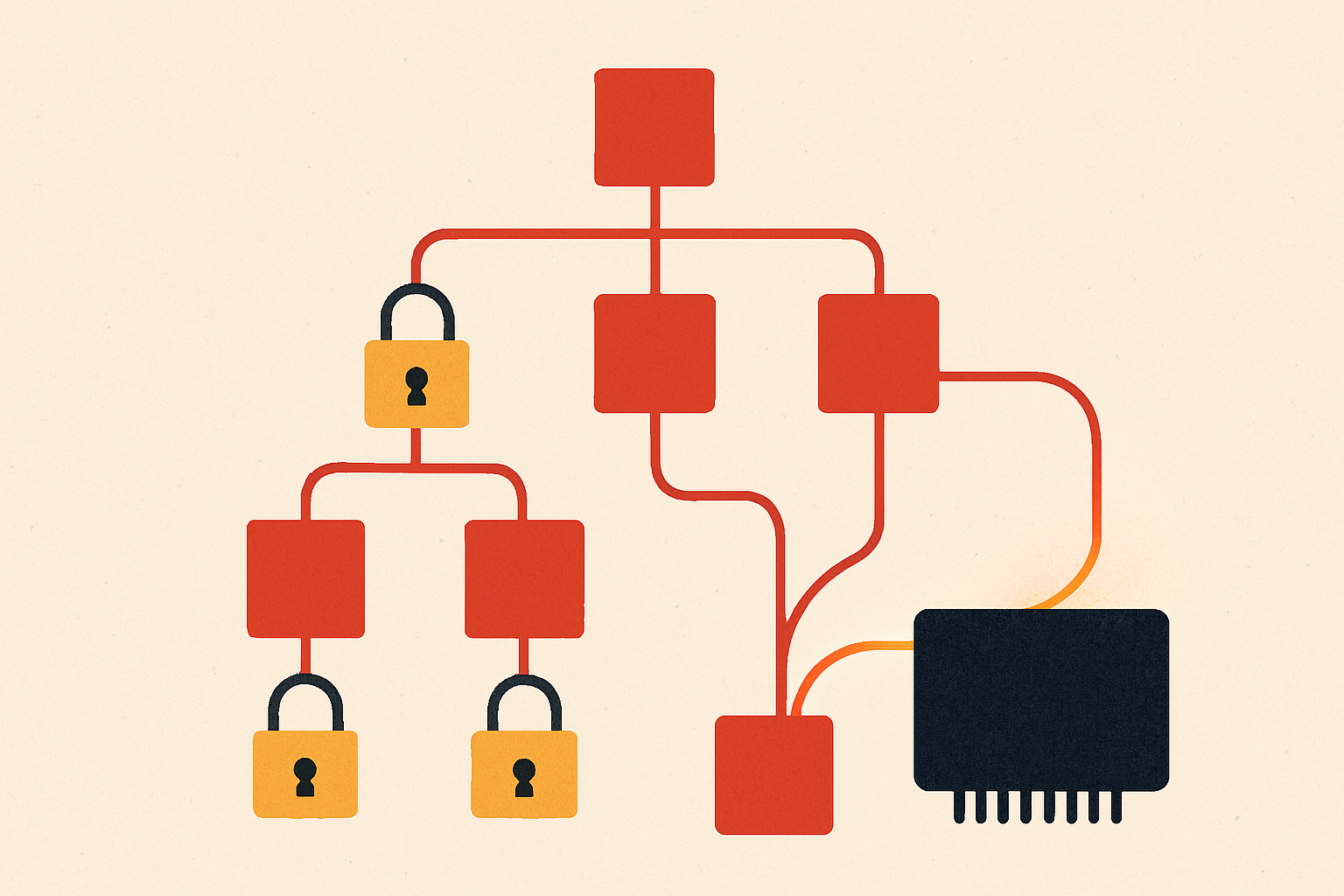
npm v12 changes one default that touches every JavaScript and TypeScript shop on earth: your dependencies' preinstall, install, and postinstall scripts no longer run unless you explicitly approve them. It's a real supply-chain win — install-time scripts were the single largest arbitrary-code-execution surface in the ecosystem — but it means the first npm install after you upgrade can quietly break: native modules don't build, browser drivers don't download, and CI goes red for a reason that isn't in your diff.
The good news: you can do the whole migration in about fifteen minutes, and you can rehearse it before v12 lands. Here's the path. (For the wider set of platform defaults that flipped this week, see The Week the Defaults Changed.)
What actually changed#
Three things stop being automatic:
- Lifecycle scripts —
preinstall/install/postinstallfrom any dependency won't execute without approval. This includes the implicitnode-gyprebuild npm used to run for any package that ships abinding.gyp. - Git dependencies — direct or transitive — won't resolve unless you pass
--allow-git. - Remote-URL dependencies (HTTPS tarballs) won't resolve unless you pass
--allow-remote.
The approvals get written into package.json, so your allowlist becomes version-controlled, code-reviewed, and shared with every teammate and CI runner automatically. That's the whole design: trust becomes an explicit, reviewable artifact instead of an invisible default.
Step 1 — Rehearse now, on npm 11.16.0+#
You don't have to wait for v12 to break something. The prep path exists on npm 11.16.0 or later and surfaces the exact same packages v12 will block:
npm install -g npm@latest      # get to 11.16.0+
npm --version                  # confirm

# from your project root, see what v12 would block:
npm approve-scripts --allow-scripts-pending
That command lists every dependency that wants to run an install script but isn't yet approved. Read the list. For a typical app it's short and boring — esbuild, sharp, a native driver, maybe your test runner's browser download.
Step 2 — Approve the packages you trust, and only those#
Approve interactively and commit the result:
npm approve-scripts --allow-scripts-pending
# review each entry; approve the ones you recognize and trust
git add package.json
git commit -m "chore: approve install scripts for npm v12"
Two rules of thumb while you review:
- If you don't recognize why a package needs a postinstall script, stop and look. That is now a first-class review moment, not a thing that happened silently at 2 a.m.
- Prefer packages that don't need scripts at all. A postinstall build is a liability; some dependencies offer prebuilt-binary paths that skip it entirely.
After this, package.json carries an explicit allowlist. A teammate who clones the repo, or a CI runner that installs it, inherits exactly your decisions — no more, no less.
Step 3 — Handle Git and remote dependencies#
Check whether anything in your tree resolves from a Git URL or a raw tarball:
# look for git+ / https tarball specifiers
grep -E '"(git\+|https?://)' package.json package-lock.json
If you legitimately depend on one, opt in explicitly and pin why in a comment or PR description:
npm install --allow-git --allow-remoteTreat every one of these as a question, not a checkbox. A transitive Git dependency you didn't know about is precisely the kind of thing this release is designed to make visible.
Step 4 — Fix CI so it's a tripwire, not a surprise#
Your CI install must be non-interactive and must use the committed allowlist. The point is that a build should pass with your approved scripts and fail if a dependency update introduces a new, unapproved script — that failure is a signal worth having.
# GitHub Actions example
- name: Install (npm v12, approved scripts only)
  run: |
    npm ci                 # uses the allowlist committed to package.json
    # ci fails here if a new dependency wants an unapproved script —
    # that's your supply-chain tripwire, not a nuisance
If npm ci starts failing after a dependency bump, that's the system working: a package changed its install-time behavior, and now a human approves it in a reviewable commit before it ever runs on your infrastructure.
The takeaway#
The migration itself is small — rehearse, approve, commit, harden CI. The mindset shift is the real product: install-time code execution is now opt-in and version-controlled. Do the dry run this week on 11.16.0+ so v12 is a non-event, and let the CI failure mode become your early warning for supply-chain drift.
If you need the business case for doing this now, here it is: a poisoned npm package just shipped an infostealer that targets Cursor and Claude config files — delivered by exactly the preinstall hook v12 turns off by default.
This was the first half of a tightening, not the whole of it: on July 28 GitHub added two more automatic supply-chain gates — publish-time npm malware scanning and hold-for-approval on suspicious Actions runs. Read the two together and the direction is unmistakable.
Next in this cluster: the one bright spot in a week of breaking defaults — Cloudflare Drop, which lets you ship a live site by dragging a folder, no account required.