Every "best PDF parser for RAG" post opens with a ranking, as if there's a single winner and your job is to install it. That framing quietly wastes money in two directions at once: it pushes clean, digital PDFs into expensive vision models that add cost and latency and can invent characters the file already had, and it lets people point free text-extractors at scanned tax forms and wonder why retrieval returns garbage.
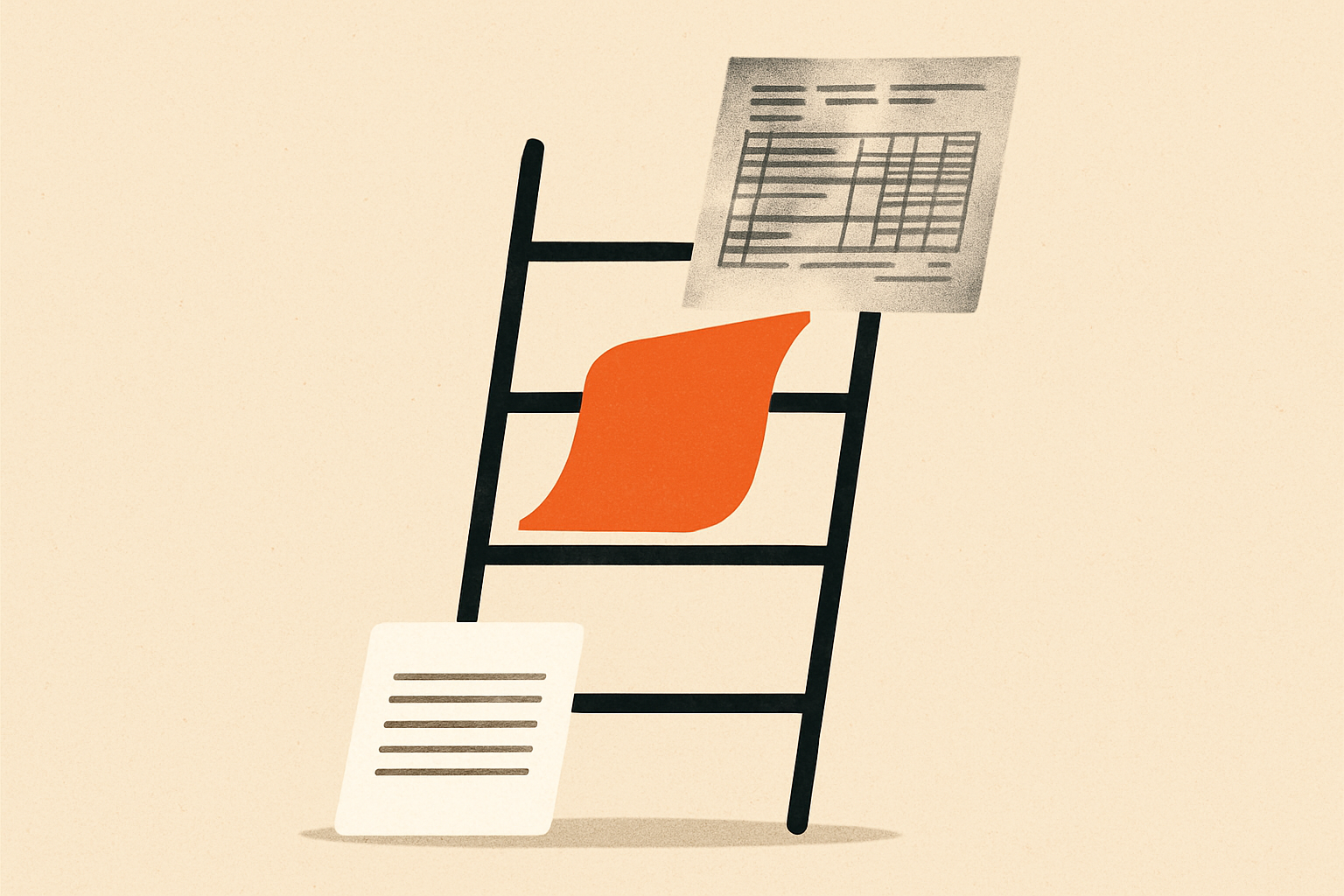
There is no best parser. There's a ladder, ordered by how hard a document is to read, and the move is to pick the lowest rung your documents survive. Here are the four rungs.
Rung 1 — PyMuPDF4LLM: just read the text layer#
Most PDFs in a business already contain their text. If a file was exported from Word, a dashboard, or a CMS, the characters are sitting right there in a text layer — no "reading" required, just extraction.
PyMuPDF4LLM does exactly that: pulls the embedded text and structure straight to Markdown, locally, with no GPU, no cloud, no tokens, in milliseconds per page. It's free under AGPL (commercial licensing via Artifex), and it can be up to ~250x cheaper than a vision-based approach.
The catch is the flip side of its strength: it reads the text layer, so if there isn't one — a scan, a photo, handwriting — it returns nothing useful. And genuinely complex tables can come out scrambled. But for the large share of real-world PDFs that are digital-native, this rung is the correct and criminally underused answer.
Use it when: your PDFs are digitally generated and mostly text/simple tables. Which is more of your corpus than you think.
Rung 2 — Docling and Marker: layout models you run yourself#
When the text layer exists but the layout is the problem — multi-column pages, nested tables, figures interrupting the flow — you need models that understand page structure. Two strong open-source options run entirely on your own hardware.
Docling, IBM's open-source toolkit, runs dedicated layout-analysis and table-structure-recognition models and is widely considered the strongest open option for complex tables and multi-column documents. Marker targets the same problem with an emphasis on speed — it's the fastest of the open parsers with a GPU, and it's especially good on academic papers and reference-heavy documents.
Both share the decisive property of this rung: no per-page fee and nothing leaves your network. For regulated data or high volume, that's often the whole ballgame — a per-page API bill that's trivial on 1,000 pages becomes a real line item on 10 million.
Use them when: layout/tables break rule-based extraction, and you either can't send data out or your volume makes per-page pricing hurt. Docling leans table-quality; Marker leans throughput.
Rung 3 — LlamaParse and Mistral OCR: vision-language, managed#
The top rung is for documents where the text simply isn't extractable and the layout is genuinely hard: scans, photographs, handwriting, dense financial tables, multilingual pages, math/LaTeX. Here you render each page as an image and let a multimodal model read it the way a person would.
LlamaParse is the path of least resistance if you're already in LlamaIndex, handles embedded images most open parsers miss, and exposes tunable modes — pricing runs 1,000 credits = $1.25, from roughly 6 credits/page (fast) up to ~60 credits/page (agentic), with 10,000 free credits a month to start. Mistral OCR 4 is a purpose-built OCR API — $4 per 1,000 pages ($2 in batch), 170 languages, paragraph-level bounding boxes and confidence scores, strong on scanned and math-heavy documents while preserving hierarchy.
The tradeoff is explicit: you pay per page, your documents transit a third party, and — the counterintuitive risk — a vision model applied to a clean PDF can hallucinate characters that the humble text layer had exactly right. Power tools cut both ways.
Use them when: the document defeats everything below — scanned, handwritten, multilingual, or table/math-dense — and the accuracy is worth the per-page cost and the data leaving your walls.
The rule, and the only benchmark that matters#
Two lines carry the whole decision. Never send a clean digital PDF to a vision model — you'll pay more, wait longer, and risk hallucinated text the file already had. Never send a scanned form to PyMuPDF — there's no text layer to read, and your retriever will index noise.
Everything between those extremes is an empirical question you can only answer on your documents. Parser accuracy is document-specific, so no leaderboard — this one included — predicts your result. Pull 20–50 representative pages from your real corpus, deliberately including the ugly ones: the scanned appendix, the twelve-column spreadsheet, the multilingual contract. Run them through two or three candidates and grade the Markdown by how much a human would have to fix before your embedder sees it.
The winner is the cheapest tool whose output your retriever can actually use — and remember that parsing is only the first hop; how you split the result matters just as much, which is why chunking strategy is the next decision down the pipeline. Start at the bottom of the ladder and climb only when a document breaks the rung you're on. Most teams are one rung too high, paying per page for capability their inputs never needed — and the fix is a free afternoon of benchmarking, not a bigger invoice.