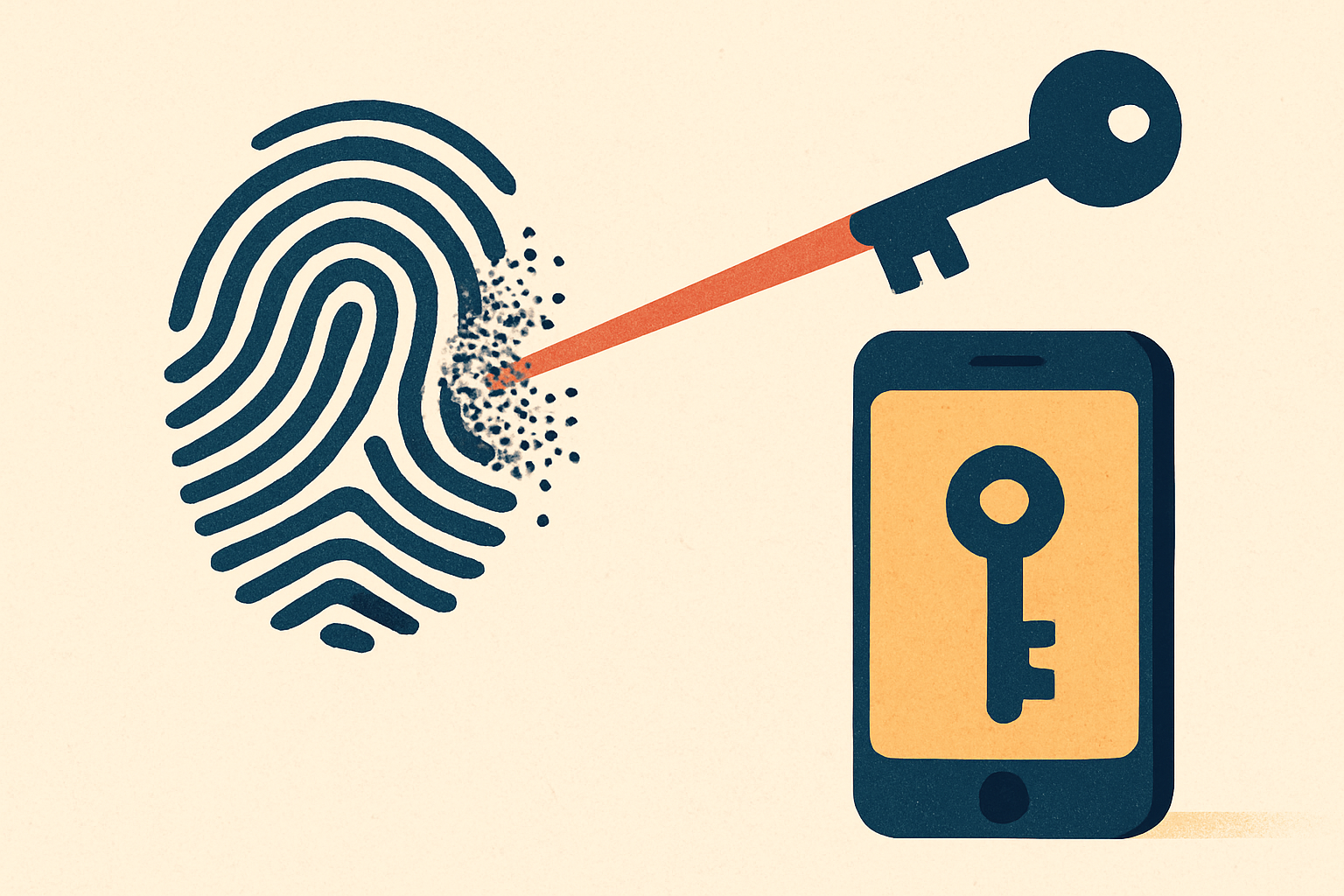
Passwords are a shared secret, and every shared secret is a liability: it can be phished, reused, leaked in a breach, and guessed. Passkeys delete the secret. There's nothing on your server for an attacker to steal and nothing for a fake site to trick out of your user. This is the rare security upgrade that also makes the login faster — a fingerprint instead of a typed password. Here's how to add them without getting the details wrong.
What a passkey actually is#
A passkey is a WebAuthn/FIDO2 credential: a public/private key pair bound to your website's domain. The private key never leaves the user's device (their phone, laptop, or a hardware key) and is unlocked by a biometric or device PIN. Your server stores only the public key. Login is a signature check, not a secret comparison.
Two properties fall out of that design for free:
- Phishing-resistant. The browser binds the credential to your exact domain. A look-alike site can't invoke your user's passkey, and there's no reusable secret to phish.
- Breach-proof at rest. A public key is public. Dumping your user table leaks nothing an attacker can log in with.
The two ceremonies#
Everything is two round-trips. Learn these and you understand passkeys.
Registration — mint a key pair and store the public half:
// 1. Server issues a fresh, single-use challenge, then the client:
const credential = await navigator.credentials.create({
  publicKey: {
    challenge,                 // from your server, random, one-time
    rp: { id: "example.com", name: "Example" },   // your registrable domain
    user: { id, name: email, displayName: name },
    pubKeyCredParams: [{ type: "public-key", alg: -7 }], // ES256
    authenticatorSelection: { userVerification: "preferred" },
  },
});
// 2. Send credential to the server; verify + store the PUBLIC key.
Authentication — challenge, sign, verify:
// 1. Server issues a new challenge; the client signs it:
const assertion = await navigator.credentials.get({
  publicKey: {
    challenge,                 // fresh from your server
    rpId: "example.com",
    userVerification: "preferred",
  },
});
// 2. Server verifies the signature against the stored public key.
That's the whole protocol: create() to enroll, get() to log in, a fresh server-issued challenge each time.
The trick that makes it feel magic: conditional UI#
The thing that makes passkeys delightful isn't the ceremony — it's autofill. With conditional UI, the browser offers a saved passkey right inside the username field's autofill dropdown. The returning user taps their account, touches the sensor, and they're in. No button, no typing.
You opt in with an autocomplete hint and a background get() call:
<input name="username" autocomplete="username webauthn" />// Kick off a conditional (non-modal) request that resolves when the
// user picks a passkey from autofill:
if (await PublicKeyCredential.isConditionalMediationAvailable?.()) {
navigator.credentials.get({ publicKey: { challenge, rpId: "example.com" },
mediation: "conditional" });
}Registration is the feature; conditional-UI autofill is the reason people actually switch. One tap to log in beats even a saved password.
The three settings people get wrong#
Almost every broken passkey implementation trips on the same three:
rpIDis a domain, not a URL. It must be your registrable domain —example.com— with no scheme and no path. Passinghttps://app.example.com/loginwill fail or silently scope your passkeys to the wrong place.- Verify the
originstrictly, server-side. Don't wildcard it. The origin check is part of what makes passkeys phishing-resistant; loosening it throws that away. - Set
userVerificationtopreferredorrequired. The default-ishdiscouragedskips the biometric/PIN check, downgrading a two-factor-grade credential to something weaker. And always use a fresh, server-generated, single-use challenge — never one the client made or reused, and store the credential's signature counter to catch cloned authenticators.
Don't hand-roll it in production#
The spec is clear, but the edges — challenge storage, origin/rpID validation, attestation, counter tracking, the conditional-UI dance — are exactly where subtle bugs become security holes. Use a maintained implementation. If you're in TypeScript, Better Auth's passkey plugin gives you both ceremonies, conditional UI, and passkey-first onboarding (requireSession: false) as configuration:
import { betterAuth } from "better-auth";
import { passkey } from "better-auth/plugins/passkey";

export const auth = betterAuth({
  plugins: [passkey({ rpID: "example.com", rpName: "Example" })],
});
// Register a passkey for the signed-in user:
await authClient.passkey.addPasskey();
// Log in with autofill (conditional UI):
await authClient.signIn.passkey({ autoFill: true });Ship it alongside your existing login first, promote it for returning users, and let the tap-to-sign-in experience do the convincing. Passwords don't have to disappear overnight — they just stop being the fast path. And if you're weighing where to run all of this, the own-vs-rent tradeoff decides whether passkeys live in your database or a vendor's.