You have twenty things to write today — the investor update, the Slack reply that's been sitting for an hour, the PRD, the three sales emails, the commit message. You know exactly what you want to say in each. The bottleneck isn't thinking; it's the typing, and the context-switching between apps, and the fact that your best sentences show up while you're walking to the kitchen and are gone by the time you sit down.
Dictation should solve this, and mostly it hasn't — raw speech-to-text gives you a wall of unpunctuated, um-ridden transcript you then have to clean up, which is slower than just typing. Wispr Flow is the version that actually works: it listens, and it writes finished text — punctuated, styled, edited — in whatever app your cursor is in.
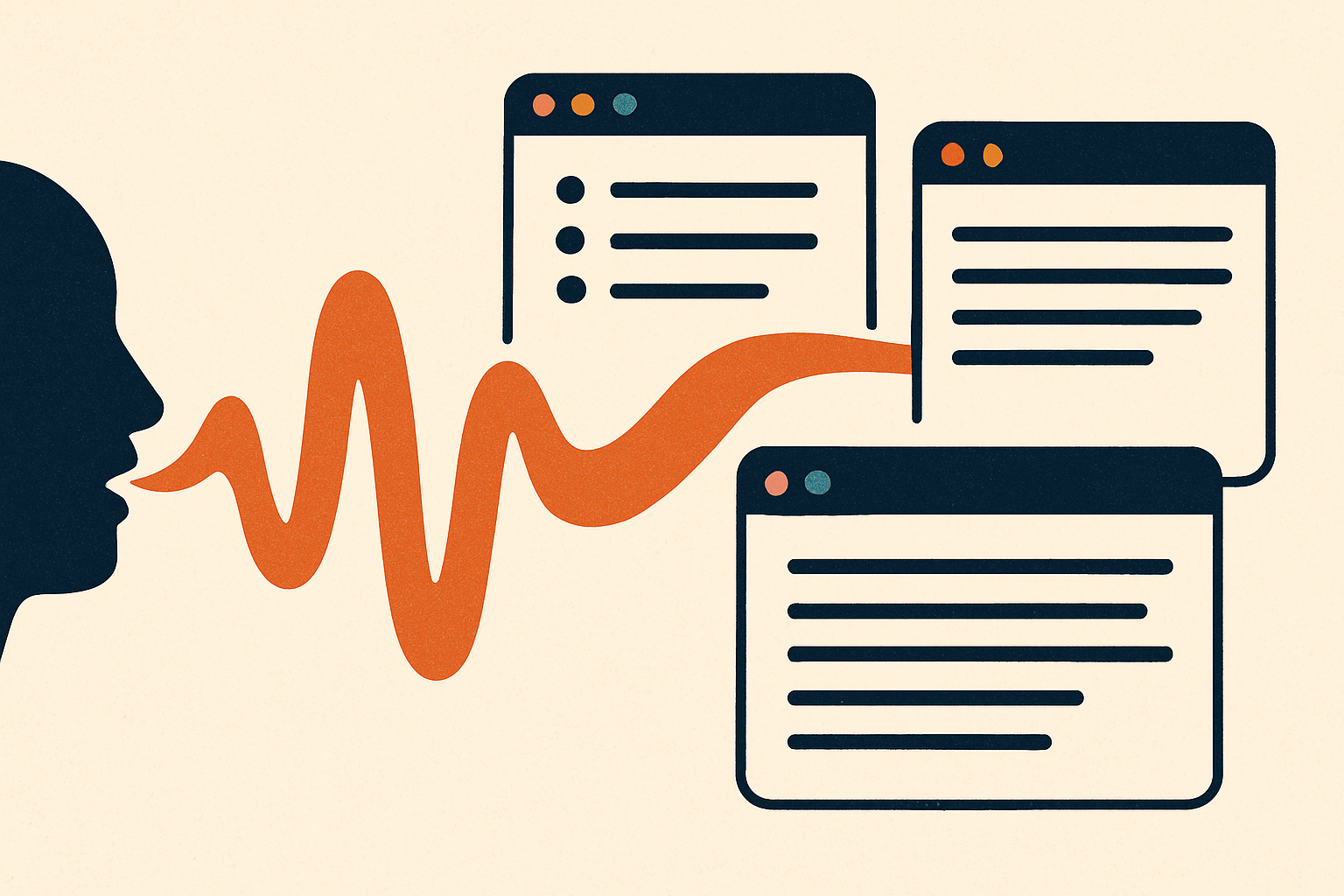
What it is: a voice-dictation layer that sits across your whole OS. You hold a hotkey, talk, release, and clean written text appears wherever you were typing — email, Slack, your IDE, a Google Doc, a form. It's on Mac, Windows, iPhone, and Android.
What it is#
Wispr Flow's whole trick is that it doesn't hand you a transcript — it hands you writing. It strips the filler, adds punctuation, and shapes the output to read like you wrote it, adapting to your style over time. It works in every application rather than in its own window, so there's no copy-paste step. A Command Mode lets you edit by voice ("make that a bullet list," "fix the tone"), and it supports 100+ languages. The company pitches it as roughly 4x faster than typing — and for the specific job of getting a fully-formed thought out of your head and into a text field, that's about right.
Who it's for#
Founders, operators, and anyone whose day is a river of short writing across a dozen tools. It's especially good if:
- You think out loud faster than you type.
- Your writing is scattered across apps (Slack + email + docs + code comments) and the switching cost is real.
- You draft on the move — phone in hand, walking, between meetings.
It's a weaker fit if your writing is deep, single-document, sit-down work where typing is the thinking, or if you can't send audio to the cloud (see the catch).
How to start#
There's no integration to wire up. In about two minutes:
- Download the app for your platform from wisprflow.ai.
- Grant permissions — microphone, plus accessibility/input-monitoring so it can type into other apps.
- Hold the hotkey and talk. Release, and the finished text lands at your cursor. That's the entire workflow.
Because one Pro seat works across Mac, Windows, iPhone, and Android with no per-device fee, you set it up once and it follows you.
What it costs (as of July 2026)#
- Free: 2,000 words/week on Mac or Windows (1,000/week on iPhone), basic features.
- Pro: $15/month, or $144/year — unlimited words, Command Mode editing, 100+ premium languages, priority support, all devices on one seat.
- Students: 50% off Pro ($6/month) with a
.eduemail. - Trial: 14 days of full Pro to test before you pay.
Pricing is subscription-only in 2026 — there's no lifetime or one-time option. For a tool you'd use dozens of times a day, $15/month is an easy pencil-out if it saves you even a few minutes daily.
The honest catch#
Transcription always happens in the cloud. Per Wispr Flow's own data-controls documentation, your audio is processed on their servers — there's no fully offline or on-device mode. For most founder writing (emails, Slack, docs) that's a non-issue. But if you dictate anything you genuinely can't send off-device — regulated data, unreleased legal or financial detail, privileged material — this is a real constraint, and you'll want a local-only alternative for those specific moments. The free tier's weekly word cap is also low enough that heavy users will hit Pro fast; treat Free as a trial, not a plan.
Takeaway#
If the gap between "I know what to say" and "it's written down" is a tax you pay a hundred times a day, Wispr Flow closes most of it: talk, and get finished text in any app, in your voice. Start on the free tier to feel whether dictation-as-your-default clicks for you; if it does, the $15/month Pro pays for itself in the first busy morning. Just know that your words take a trip to the cloud on the way to the page — fine for almost everything a founder writes, worth a second thought for the handful of things that must never leave your machine.
Sources: Wispr Flow pricing · Wispr Flow plans · Product Hunt, July 2026. Pricing and plan limits current as of July 10, 2026 and may change.