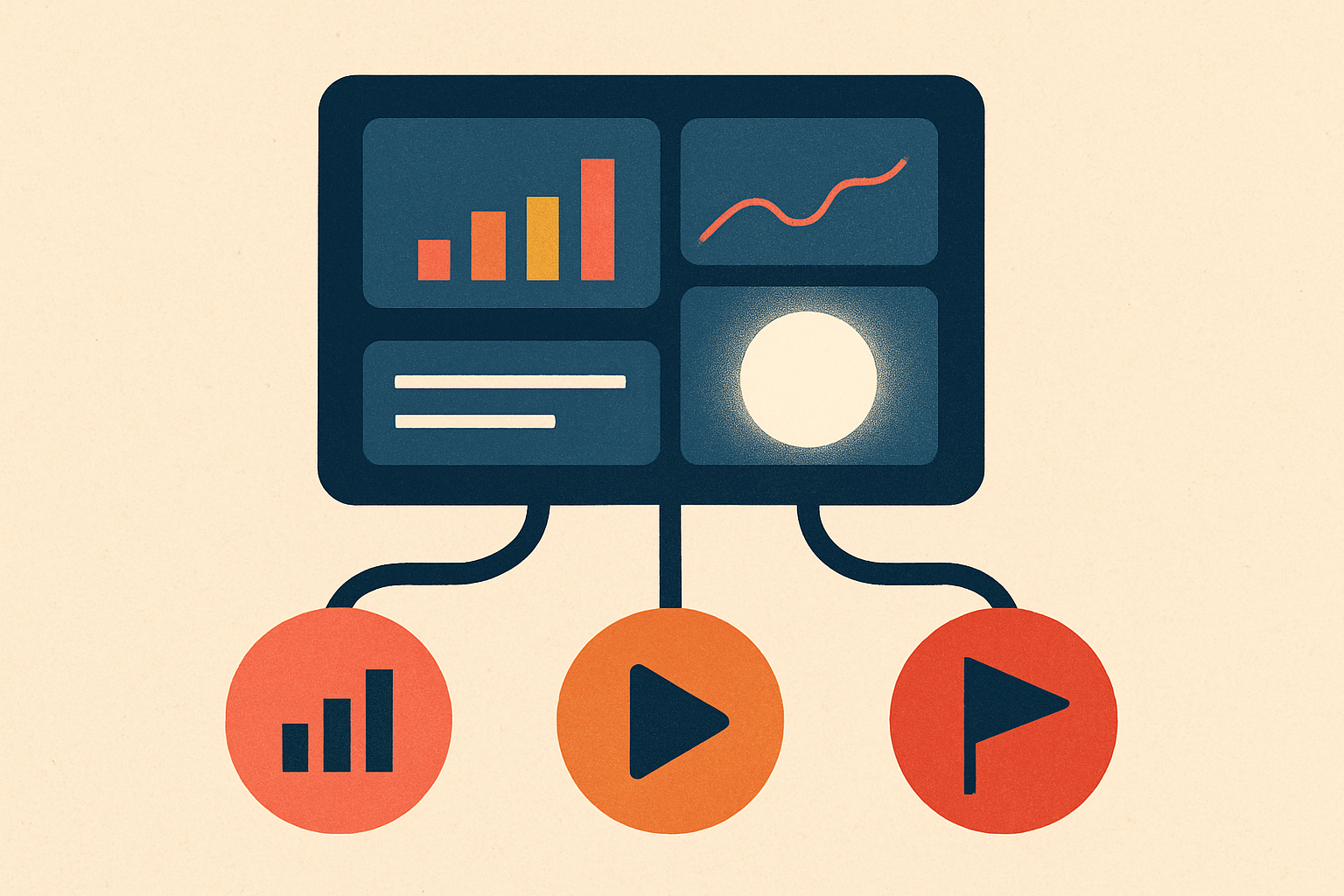
Replace the spinner with a live activity feed built from the events your agent already emits. Every agent loop fires typed events — a tool call starting, a tool result arriving, a step boundary crossing — and each one maps to a short present-tense line like "Searching docs…" or "Calling the weather API…". Stream those lines to the browser over server-sent events, render the latest one, and a 30-second wait stops feeling broken and starts feeling like progress.
Why a spinner is the worst thing you can show#
A spinner communicates exactly one bit: something is happening, maybe. It cannot distinguish a healthy 40-second run from a hung process, so the user supplies the missing story themselves — and the story they invent is "this is stuck." Perceived duration is not clock duration. An opaque wait feels longer than the same wait narrated step by step, because attention with nothing to attach to expands to fill the silence. A progress narrative gives that attention somewhere to land, and every named step is also a small proof: the agent isn't frozen, it just finished searching and is now writing.
That trust dimension is the part founders underrate. When an agent takes real time and shows nothing, users don't just get bored — they stop believing it's doing the work they asked for. A feed that says Searching docs → Reading 4 results → Writing the summary is evidence, and evidence is what converts a suspicious wait into a patient one.
The part nobody tells you: you already have the data#
Here is the insight that makes this cheap. You are not adding instrumentation. Your agent is already emitting a structured event for every meaningful thing it does — you're just throwing those events away before they reach the user.
The Vercel AI SDK's streamText exposes a fullStream whose parts carry types like start-step, tool-call, tool-result, text-delta, and finish (AI SDK docs). The Anthropic Messages API streams the same shape at the protocol level: message_start, then per-block content_block_start / content_block_delta / content_block_stop, ending in message_stop, where a tool call arrives as a content_block_start of type tool_use (Anthropic streaming docs). Whatever framework you use, the lifecycle is right there.
The progress feed isn't something you build on top of the agent — it is the agent's own event stream, with function names translated into sentences a human can read.
So the work is a translation layer, not an observability project. Map each event type to a string, forward it, and drop the token-level noise.
The server: an async generator that yields status#
Iterate the agent's stream, turn each part into a status object, and push it down an SSE response. The wire format is plain text: lines of data:, optionally a named event:, terminated by a blank line (MDN).
import { streamText } from "ai";

// plain-language names — never leak the raw function name or its args
const describe = (tool: string) =>
  ({ search_docs: "Searching docs",
     get_weather: "Calling the weather API",
     write_summary: "Writing the summary" }[tool] ?? "Working");

const label = (part: any): string | null => {
  switch (part.type) {
    case "start-step":  return "Planning the next step…";
    case "tool-call":   return `${describe(part.toolName)}…`;
    case "tool-result": return "Reading the results…";
    case "finish":      return "Done";
    default:            return null; // ignore text-delta floods here
  }
};

export async function GET(req: Request) {
  const enc = new TextEncoder();
  const stream = new ReadableStream({
    async start(controller) {
      const send = (o: unknown) =>
        controller.enqueue(enc.encode(`event: status\ndata: ${JSON.stringify(o)}\n\n`));

      const result = streamText({ model, messages, tools });
      for await (const part of result.fullStream) {
        const text = label(part);
        if (text) send({ text, done: part.type === "finish" });
      }
      controller.close();
    },
  });
  return new Response(stream, {
    headers: { "Content-Type": "text/event-stream", "Cache-Control": "no-cache" },
  });
}
The typed-event envelope and the SSE-vs-WebSocket trade-off are worth reading in full in streaming AI agent output over SSE vs WebSockets; for a status feed, one-directional SSE is the right default.
The client: show the current line, keep the scrollback#
EventSource connects and routes named events with addEventListener (MDN). Show the current action prominently; demote each finished step into a collapsible log.
const source  = new EventSource("/api/agent");
const current = document.querySelector("#status");
const log     = document.querySelector("#log");

source.addEventListener("status", (e) => {
  const { text, done } = JSON.parse(e.data);
  if (current.textContent) {                 // finished step -> scrollback
    const li = document.createElement("li");
    li.textContent = current.textContent;
    log.append(li);
  }
  current.textContent = text;                // the CURRENT action, front and center
  if (done) source.close();                  // mark terminal state, stop listening
});
Design choices that actually move the needle#
Show one current action large, and keep finished steps as a quiet, collapsible receipt — collapse it on completion so the answer, not the log, gets the spotlight. Label everything in human language: get_weather becomes "Calling the weather API," never get_weather({lat, lon}). Raw arguments are a leak waiting to happen — keys, PII, internal IDs — so keep them server-side.
The failure modes to guard#
Three ways this breaks. Flooding: forwarding every text-delta turns the feed into strobing noise — coalesce or throttle token events and only promote step and tool lifecycle events to status lines. Stalling: if a tool hangs, a stale "thinking…" reads as death — emit a heartbeat comment (:\n\n) on an interval, set a timeout, and on trip show a stalled state and a cancel affordance (see how to cancel a running AI agent). No terminus: always send an explicit done for success and a distinct error line — a feed that just stops is as ambiguous as the spinner you replaced.
Ship the feed, and the next thing users will ask for is to click any line and see exactly what that step did.