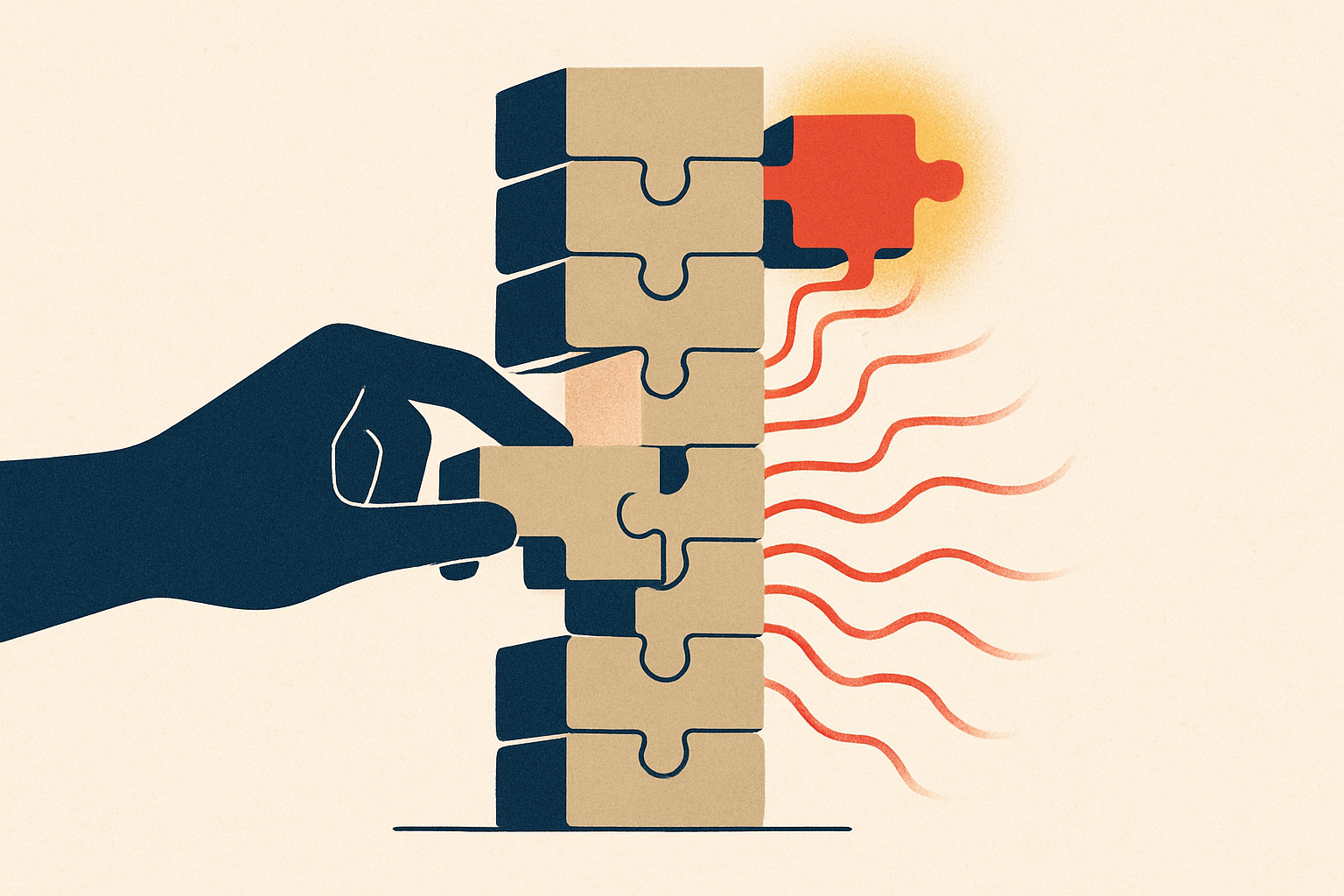
If you have ever rebased a stack of ten commits, fixed a conflict in commit three, and then watched Git make you re-resolve the same conflict in commits four through ten, you already understand the itch Jujutsu is scratching. Jujutsu — the command is jj — is a version control system that keeps everything you like about Git and quietly deletes the parts that fight you. It stores history in a normal Git repository, so your commits are real Git commits and you still push to GitHub. What it replaces is the front end: the staging area, detached HEAD, and the blocking, half-finished repository states that make Git feel like defusing a bomb.
Here is the one-paragraph version for anyone deciding whether to look closer. jj installs as a single binary, runs on top of your existing .git, and can coexist with the git command in the same repo. There is no git add. Your descendants rebase themselves. Conflicts never block you. And jj undo reverses your last operation — including a bad rebase. You can adopt it alone, on one project, and your teammates never have to know.
The working copy is a commit#
Git has three places a change can live: your files, the staging area, and a commit. jj collapses that to one. **Your working copy is a commit** — an ordinary commit that jj continuously amends as you edit files. There is no git add and, most of the time, no separate git commit step. You write code; jj keeps the current change up to date; when you're ready to start something new you run jj new to begin a fresh change on top.
$ jj new -m "add rate limiter"   # start a new change
# ...edit files...                # jj auto-amends the working-copy commit
$ jj describe -m "add token-bucket rate limiter"  # rename it, any time
$ jj new                          # done — start the next change
The staging area was always a workaround for the fact that a commit was a heavyweight, final thing. When the working copy is already a commit you can freely reshape, the "index" stops earning its complexity.
Changes have a stable ID; commits don't#
This is the idea that makes the rest click. In Git, the commit hash is the identity of your work — and it changes every time you --amend or rebase, which is why scripts, notes, and your own memory keep going stale. jj splits these apart. A commit is the immutable Git object (a hash). A change is jj's stable name for "this unit of work" (a short change ID). Amend the change, rebase it, edit it three times — the commit hash moves, but the change ID stays put.
That stable handle is what lets jj do the next trick safely.
Editing history stops being scary#
Because work has a durable identity, you can edit any commit in your stack directly — not just the tip — and jj automatically rebases every descendant onto the new version. Fix a typo in the commit at the bottom of a ten-commit branch, and the other nine re-apply themselves. The interactive-rebase ritual — mark edit, stop, amend, rebase --continue, repeat — largely disappears.
$ jj edit xyz     # jump to an earlier change by its stable ID
# ...fix the bug...
$ jj new @-       # descendants already rebased; carry on
Conflicts are recorded, not blocking#
In Git, a conflicting merge or rebase stops the world: the repo enters a special mid-operation state, and you can't do much else until you resolve it or abort. jj treats a conflict as data that lives inside the commit. The operation succeeds; the conflict is recorded; descendants carry it forward until you choose to resolve it. You can switch tasks, keep building, or come back tomorrow. Nothing is stuck, and nothing is half-done on disk waiting to trip you.
This is the quiet philosophical shift: a conflict is a state a commit can be in, not an error that halts the machine. Once conflicts can't block you, "rewrite history freely" stops being dangerous advice.
An undo button for your whole repo#
Every jj command is recorded in an operation log. jj op log shows it; jj undo reverses the last operation — a bad rebase, an accidental abandon, a squash you regret. Git's reflog can get you most of the way back, but it's a forensic tool you reach for in a panic. jj's undo is a first-class, everyday command, which is why experimenting in jj feels cheap: the cost of a wrong move is one keystroke.
You don't have to leave Git — or your team#
The adoption story is the reason to try it this week rather than someday. jj's default backend is Git, and in a colocated repo both .jj and .git live side by side. The commits jj creates are ordinary Git commits; jj's "bookmarks" become branch names when you push. So you can:
- Run
jj git cloneon any existing repo, orjj git init --colocateinside one you already have. - Keep using
gitcommands whenever muscle memory wins. - Push bookmarks to GitHub, open PRs, and pass CI exactly as before.
Your teammates see normal Git history and normal PRs. Adoption is a personal decision, not a team migration — which is the same property that made git worktrees quietly spread among people running parallel work.
Should you switch#
Try jj if Git's history-editing and conflict handling are where you lose time — solo builders, people who curate clean PR stacks, and anyone who rebases often will feel the difference in a day. Stay on plain Git if your workflow is simple commits on one branch, or if your team relies on Git-specific tooling (hooks, GUIs, submodule-heavy setups) that jj's model doesn't map cleanly onto yet. The safe move is the colocated repo: adopt jj on one project, keep git in your back pocket, and let the automatic rebases and the undo log make the case for you. Like reaching for uv instead of pip, the pitch isn't "learn a new religion" — it's "the old thing, minus the parts that hurt."