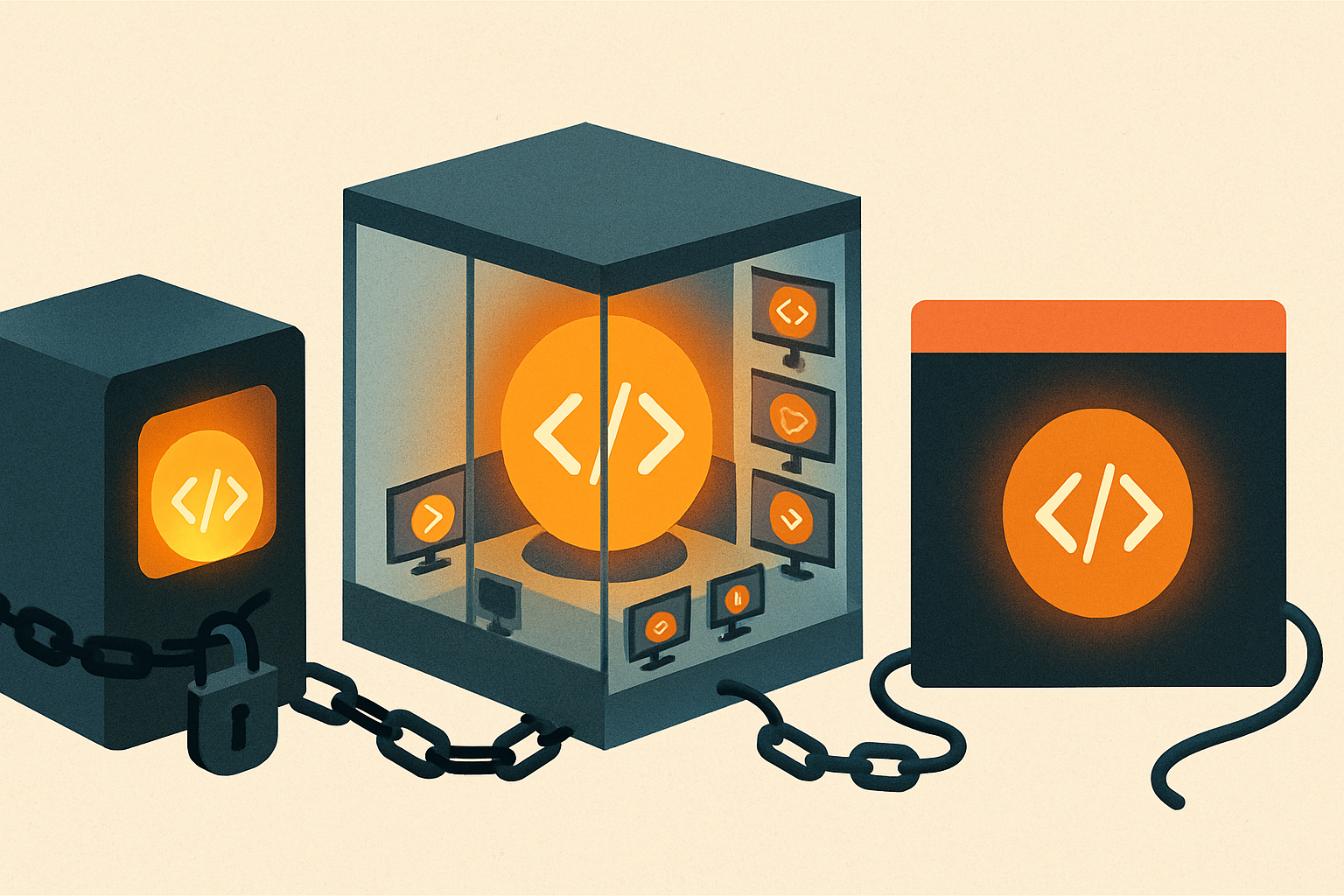
If you read one line: Both put a script between an autonomous coding agent and your machine, but they draw the "can block" line in different places. Cursor gives you two hard gates — the terminal and MCP calls — and a plain hooks.json that reloads on save. Claude Code lets far more of the loop veto (tool calls, prompts, stops, compaction) and keeps policy in settings.json with per-tool matchers. Cursor is the lighter guard; Claude Code is the finer-grained one.
If you run an autonomous coding agent, hooks are how you keep a hand on the wheel — scripts the tool executes at fixed points in the loop, over stdin/stdout, deterministic and local. Both Claude Code and Cursor ship them. They look similar and behave differently in the one way that matters: how much of the agent you're allowed to stop.
What each one can actually block#
This is the decision, so lead with it.
Cursor blocks at two choke points. Only beforeShellExecution and beforeMCPExecution honor a permission field in your script's stdout — allow, ask, or deny. Everything else (beforeSubmitPrompt, beforeReadFile, afterFileEdit, stop) is a watcher: it sees the event and can log or alert, but cannot veto. So Cursor's safety story is precisely "the terminal and MCP tools," which — fairly — is where most of the real damage lives.
Claude Code lets much more of the loop say no. PreToolUse can deny any tool call; UserPromptSubmit can block a prompt before the model sees it; Stop and SubagentStop can refuse to let the agent finish; PreCompact can gate context compaction; PermissionRequest can auto-answer a permission prompt. That's a wider net — you can enforce "tests must pass before you stop" or "never compact without saving state," policies Cursor's observe-only stop simply can't hold.
How you block#
Cursor reads one field from stdout:
# Cursor: deny a command
jq -n '{ permission: "deny", agent_message: "Blocked by policy." }'
Claude Code gives you two routes — an exit code or structured JSON:
# Claude Code: exit-code style
echo "rm -rf blocked" >&2
exit 2   # stderr is fed back to the agent
// Claude Code: JSON style, PreToolUse
{ "hookSpecificOutput": {
"hookEventName": "PreToolUse",
"permissionDecision": "deny",
"permissionDecisionReason": "Destructive command blocked by hook" } }Both let you hand a reason back to the model so it self-corrects instead of blindly retrying. That feedback loop is the point of a hook, not an afterthought.
Where policy lives — and how targeted it is#
Cursor keeps hooks in standalone hooks.json files at three scopes — .cursor/hooks.json (project), ~/.cursor/hooks.json (user), /etc/cursor/hooks.json (enterprise) — and reloads on save. One beforeShellExecution hook sees every shell command; you do the filtering inside your script.
Claude Code embeds hooks inside settings.json, layered across user, project, local, and managed-policy files, and adds a matcher so a hook fires only for the tools you name — Bash, Edit|Write, or an MCP pattern like mcp__github__.*. That targeting is the practical difference: in Claude Code you can attach a policy to one specific MCP server's write tools without touching anything else. Claude Code also supports non-shell handlers — command, http, mcp_tool, prompt, and agent — so a hook can call a remote policy service or even ask a model "is this safe?" before proceeding. Cursor runs commands.
The founder call#
Neither is "more secure" in the abstract; they solve for different amounts of control.
- Reach for Cursor hooks when you want a fast, low-ceremony guard on a coding session, your risks are the terminal and MCP tools, and a plain file you can
git commitand edit-on-save is exactly the ergonomics you want. Two choke points, twenty lines, done. (We walk through that in How to Govern a Cursor Agent with Hooks.) - Reach for Claude Code hooks when you need per-tool policy, want to block more than shell and MCP — prompts, stops, compaction — or want hooks that call an HTTP policy service or an MCP tool rather than a local script.
And if you run both agents, run both hook systems — they're guarding different products, and the muscle you build writing one transfers directly to the other. The shared lesson is the one worth internalizing: an autonomous agent is only as safe as the narrowest point where you can still say no before it acts. Find that point in whichever tool you use, and put a script on it today.